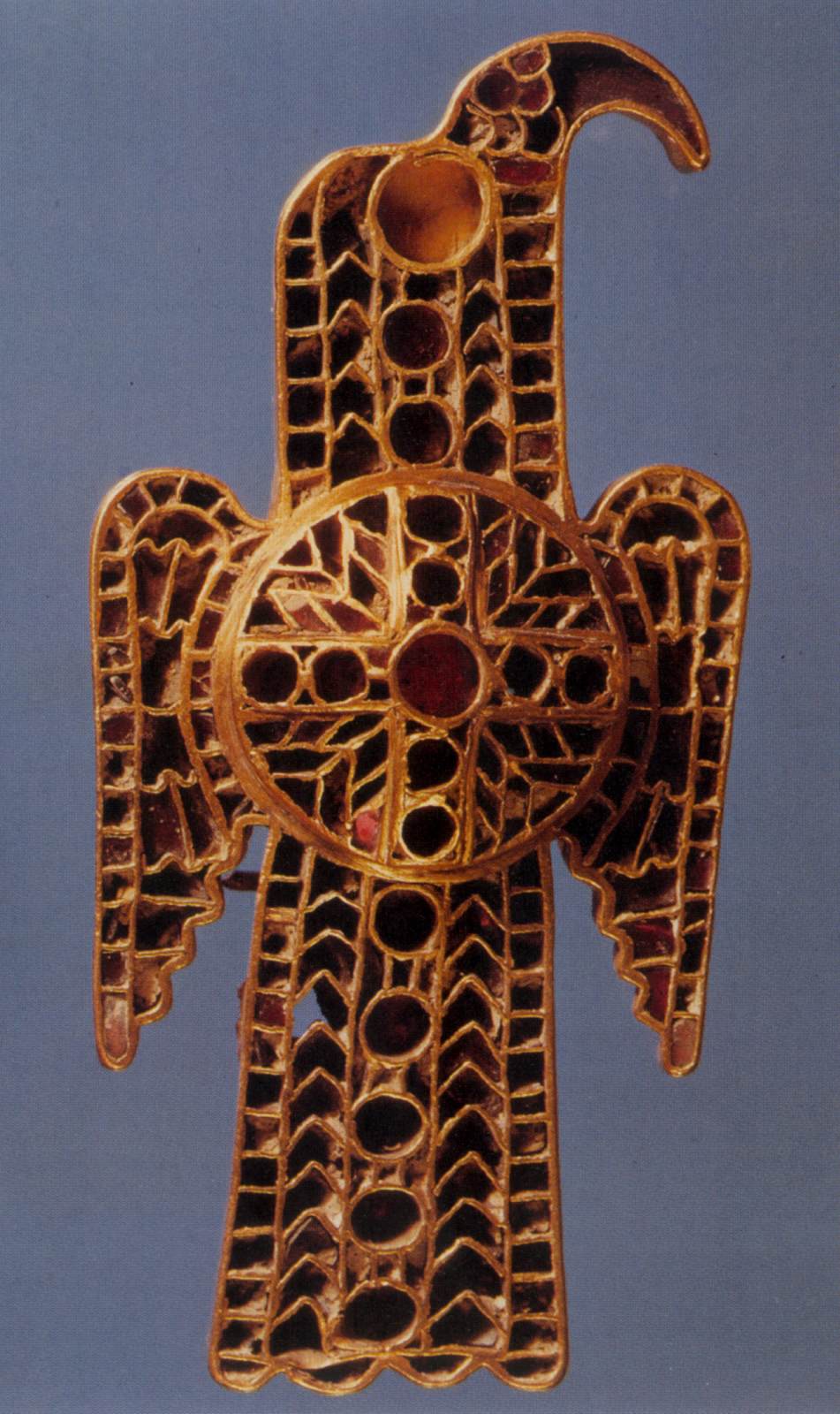
Eagle-shaped fibula c. 500 Gold, silver, almandine, lapis lazuli, ivory, 12 x 6 cm Germanisches Nationalmuseum, Nuremberg
A fibula is a brooch or pin for fastening garments. The fibula developed in a variety of shapes, but all were based on the safety-pin principle. Technically, the Latin term, fibulae, refers to Roman brooches; however, the term is widely used to refer to brooches from the entire ancient and early medieval world that continue Roman forms.
Unlike most modern brooches, fibulae were not only decorative; they originally served a practical function: to fasten clothing, such as cloaks. Most fibulae are made of bronzeAn alloy of copper (usually about 90 per cent) and tin, often also containing small amounts of other metals such as lead or zinc. Since antiquity it has been the metal most commonly used in cast sculpture because of its strength, durability, and the fact that it is easily workable - both hot and cold - by a variety of processes. It is easier to cast than copper because it has a lower melting-point, and its great tensile strength makes possible the protrusion of unsupported parts - an advantage over marble sculpture. The colour of bronze is affected by the proportion of tin or other metals present, varying from silverish to a rich, coppery red, and its surface beauty can be enhanced when it acquires a patina. or iron, or both. Some fibulae are made of precious metals such as silver or gold. Most fibulae are made of only one or two pieces. Many fibulae are decorated with enamelColoured glass in powder form and sometimes bound with oil, which is bonded to a metal surface or plaque by firing., semi-precious stones, glass, coral or bone.
The picture shows an Ostrogothic eagle-shaped figula.